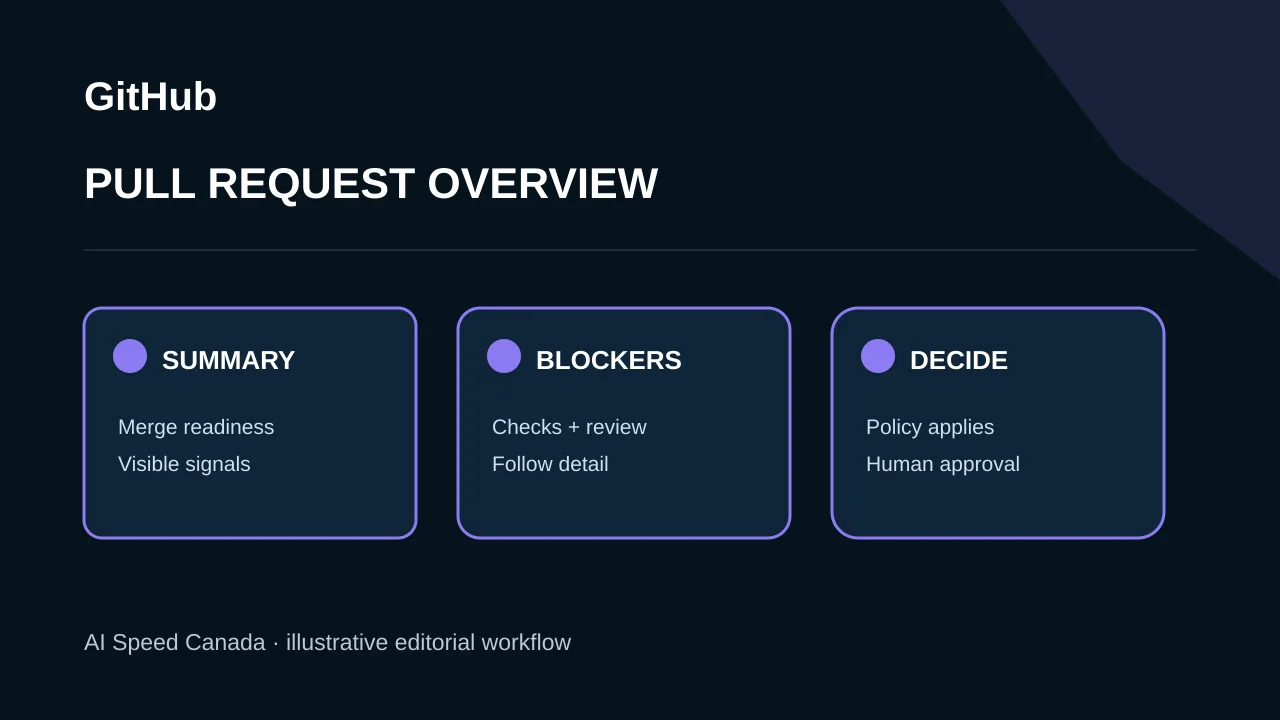
GitHub began an opt-in public preview of a redesigned pull-request Overview on November 5, 2026. The page brings merge status and the next available actions toward the top, condenses the merge box, and adds filters for unresolved or self-authored comments plus newest-first sorting. Rollout was continuing through the weekend, so visibility can vary by account and repository.
The preview summarizes existing merge signals
Checks, approvals, comments and branch state appear in a compact readiness summary. Users can jump to failing checks, pending approvals or relevant conversations and take allowed actions such as updating a branch. The available controls still depend on repository permissions.
A clearer interface does not redefine what is safe to merge. Required reviews, status checks, rulesets and branch protections remain the enforceable controls. Teams should not substitute a green-looking summary for reading the diff and understanding the change.
Related sources: GitHub: new pull request Overview preview ↗
Filtering can reduce scrolling without resolving the discussion
Reviewers can narrow the conversation to unresolved threads or comments they wrote and sort the newest comments first. The upper-right activity summary highlights requests and updates. These navigation tools can help on long pull requests, but a filtered view may hide context that matters.
Review practices should state when a thread is resolved, who can dismiss a concern and which comments require re-review after code changes. An AI-generated summary, if added later, would need separate accuracy evaluation; this release describes interface organization.
Related sources: GitHub: new pull request Overview preview ↗
Opt-in preview status keeps rollback available
Users join through the Try the Overview page control and can return to the classic view from the same menu. GitHub calls this an early starting point and asks for feedback. It should not be presented as a completed replacement for the existing experience.
Organizations can test a representative sample of short and long pull requests. Record time to find blockers, missed unresolved threads, accidental merges and accessibility problems rather than relying only on preference surveys.
Related sources: GitHub: new pull request Overview preview ↗
Canadian teams can test whether the interface improves accountable review
For regulated or safety-sensitive code, preserve evidence of approvals, checks and policy exceptions regardless of where the interface displays them. A reviewer must still understand which commit was approved and whether later pushes invalidated evidence.
Accessibility testing should include keyboard and screen-reader workflows. A faster visual summary is useful only if all reviewers can reach the same signals and actions without losing context.
Sources and editorial method
We use the linked original statements and reports to distinguish documented facts from our analysis. Company announcements describe their authors’ plans and claims; they are not independent verification of future outcomes. This article is dated and will be revised if material evidence changes. Read our editorial standards and corrections process.
- GitHub: new pull request Overview preview ↗ — Official November 5 preview announcement; readiness summary, filtering, sorting, actions and opt-out path.