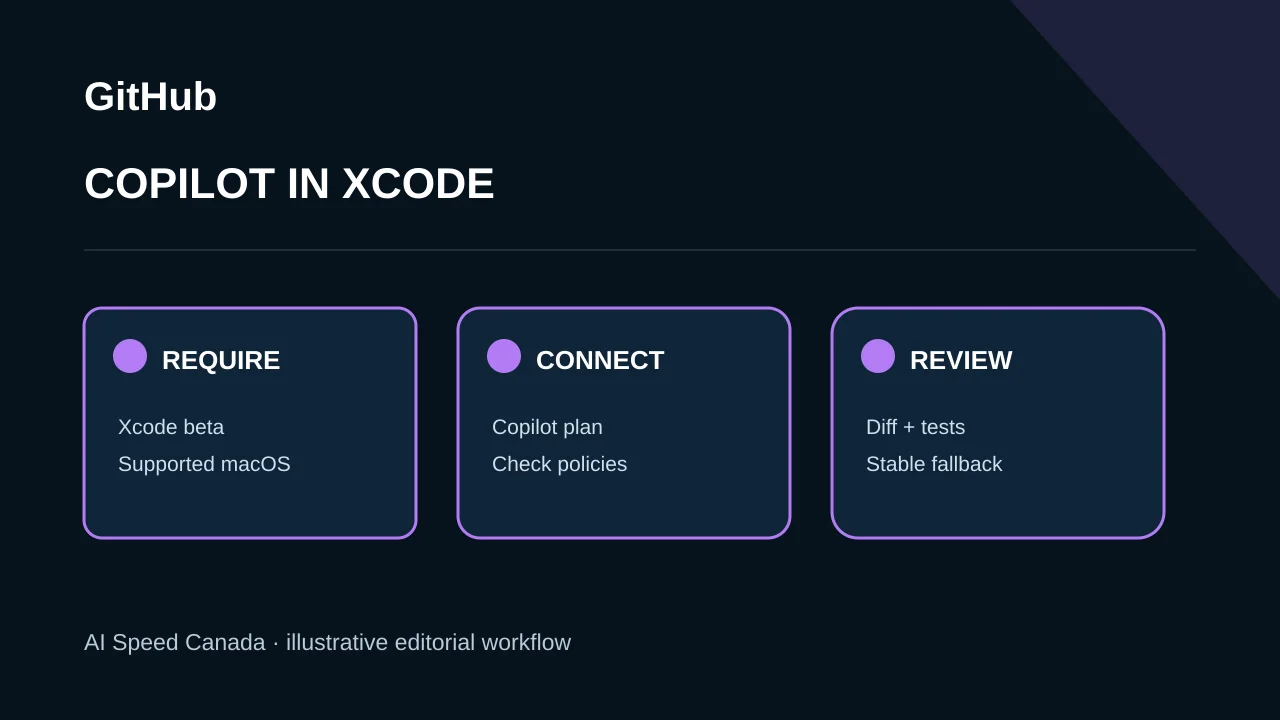
GitHub announced on November 4, 2026 that Copilot is available inside Xcode’s built-in coding assistant as a public preview. The integration starts with Xcode 27.3 beta on a Mac running macOS Tahoe 26.6 or later. All Copilot plans are supported. GitHub’s existing Copilot for Xcode extension remains a separate choice, so the preview should not be described as replacing it.
The preview depends on beta development software
Developers download Xcode 27.3 beta through Apple Developer Downloads and configure Copilot under Xcode Settings and Intelligence. Beta software can change, fail or be inappropriate for production machines, so teams should preserve their stable toolchain.
Account, organization policy and Copilot plan settings still apply. A successful sign-in does not prove that every extension feature or enterprise control appears identically in Apple’s built-in interface.
Related sources: GitHub: Copilot in Xcode’s coding assistant ↗
Built-in and extension workflows remain distinct
The built-in assistant offers a more native path while the existing extension provides another integration. Teams should choose deliberately rather than running overlapping assistants on the same task without clear ownership.
Compare supported actions, context access, model controls, usage visibility and update cadence. Review the combined diff and test results regardless of which interface produced the code.
Related sources: GitHub: Copilot in Xcode’s coding assistant ↗
Public preview means feedback and change remain likely
GitHub directs feedback to its Copilot for Xcode repository or Apple Feedback Assistant. It makes no claim that the preview is generally available in stable Xcode or that all beta behavior will remain unchanged.
A useful pilot uses a low-risk repository and measures task completion, correction time, test failures and permission surprises. Do not place production secrets in prompts or allow generated changes to bypass branch protections.
Related sources: GitHub: Copilot in Xcode’s coding assistant ↗
Canadian developers should map code and telemetry flows
Organizations handling personal, health, financial or public-sector data should confirm what project context is transmitted, where it is processed, retention and training terms, and administrator controls. The Apple interface does not by itself determine those data terms.
Keep a non-AI workflow available for developers who cannot use the preview or whose accessibility needs are not met. Evaluate keyboard and assistive-technology behavior before standardizing the beta toolchain.
Sources and editorial method
We use the linked original statements and reports to distinguish documented facts from our analysis. Company announcements describe their authors’ plans and claims; they are not independent verification of future outcomes. This article is dated and will be revised if material evidence changes. Read our editorial standards and corrections process.
- GitHub: Copilot in Xcode’s coding assistant ↗ — Official November 4 preview announcement; requirements, setup, plan support and separate extension.