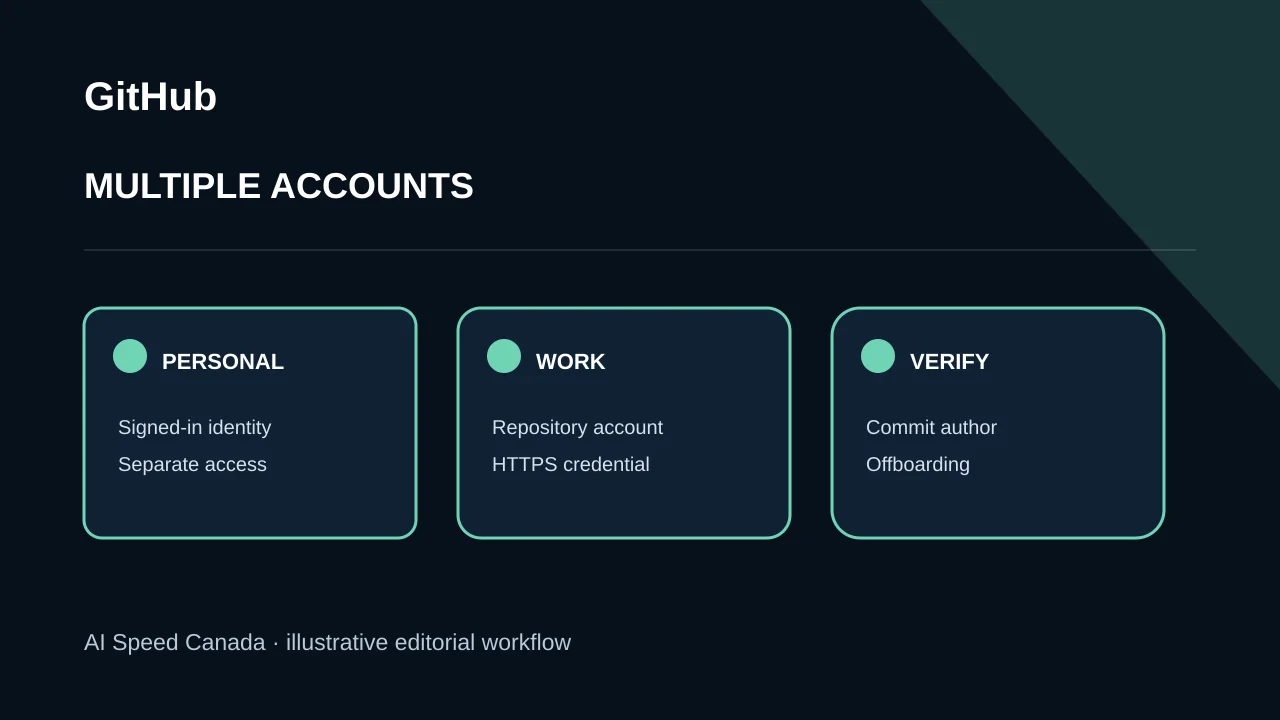
GitHub announced on November 19, 2026 that GitHub Desktop 3.7.0 can keep more than one account signed in on the same host. A developer can add personal and work accounts for GitHub.com, or multiple accounts for GitHub Enterprise Server and GHE.com, then associate each repository with one account. The change removes a common sign-out-and-sign-in step; it does not merge the accounts or their permissions.
The repository assignment chooses credentials for that host
GitHub Desktop uses the repository's assigned account for GitHub API requests and HTTPS authentication when Git pushes, pulls or fetches. When several signed-in accounts can reach a repository, Desktop asks the user to choose during cloning, adding or publishing. If only one account has access, it can infer the assignment.
Existing repositories are automatically assigned to the account that was already active for their host. Users can later change the choice in repository settings or from the repository list. A background fetch will not interrupt the user with an account picker; an unassigned repository instead asks when an operation actually needs credentials.
Related sources: GitHub: Desktop now supports multiple accounts per host ↗ · GitHub Docs: Using multiple accounts in GitHub Desktop ↗
Credential choice and commit authorship remain separate
The assigned account does not change the name and email recorded as the author of a Git commit. Teams should review repository-specific Git identity settings as well as the Desktop account, especially on a shared or contractor-managed computer. A successful push from the intended account does not prove that the commit metadata uses the intended organizational identity.
Copilot features in GitHub Desktop add another boundary. GitHub says they use the repository account when that account has Copilot access; otherwise Desktop can use another signed-in account that does. Organizations that restrict AI-assisted work should test this fallback and document which account may supply the feature.
Related sources: GitHub Docs: Using multiple accounts in GitHub Desktop ↗
Canadian teams should test separation, not assume it
For Canadian employers with managed repositories, the useful control is a short account-separation test: clone a permitted work repository, confirm the assigned account, inspect the HTTPS operation, make a test commit and verify its author metadata. Repeat after signing one account out and after moving between a public and private repository.
Avoid storing another person's account on a shared workstation. Device access, operating-system credential storage and repository permissions remain important even when Desktop displays the correct account. Organizations should also confirm offboarding: remove access at the host, sign the account out locally and check that repository assignments no longer authorize operations.
The release improves routing, not authorization policy
GitHub Desktop can select among credentials a person already holds, but it cannot grant access that the host denied. Repository roles, organization policies, single sign-on and enterprise controls still determine what the account can do. If a private clone fails, inspect host access and authorization before treating the picker as broken.
The measurable benefit is fewer wrong-account prompts or failed operations, not a general security claim. Teams can record support incidents involving account switching before and after deployment, while still reviewing commit identity and least privilege independently.
Sources and editorial method
We use the linked original statements and reports to distinguish documented facts from our analysis. Company announcements describe their authors’ plans and claims; they are not independent verification of future outcomes. This article is dated and will be revised if material evidence changes. Read our editorial standards and corrections process.
- GitHub: Desktop now supports multiple accounts per host ↗ — Official November 19, 2026 release; version, host coverage, repository assignment and migration behaviour.
- GitHub Docs: Using multiple accounts in GitHub Desktop ↗ — Official documentation for account selection, HTTPS authentication, commit identity, Copilot fallback and sign-out behaviour.