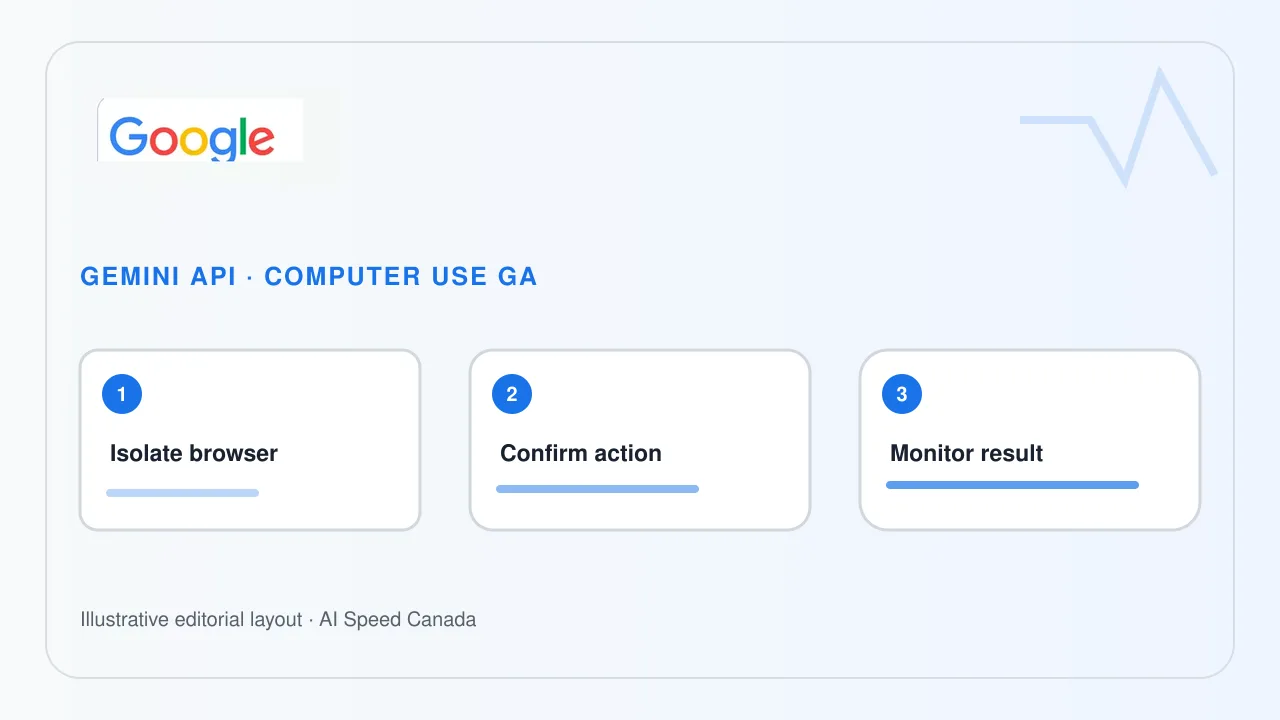
Google’s Gemini API release notes say Computer Use became generally available on October 30, 2026 across the Interactions and GenerateContent APIs. The change is a product-status milestone: developers can build supported production workflows without relying on a preview-labelled tool. It is not evidence that arbitrary websites, desktop applications or consequential actions can be automated accurately without additional controls.
General availability changes support status, not the risk model
Computer Use lets a model interpret a screen and propose interactions such as clicks, typing and navigation. General availability normally signals a more stable supported interface, but Google’s one-line release note does not publish a universal completion rate, Canadian data-residency promise or guarantee against selecting the wrong control.
Teams should define the precise browser or application surface, allowed domains and permitted action types. A model that can complete a routine form can also encounter misleading page content, stale state or a hostile instruction embedded in a site. Production readiness depends on the surrounding system.
Related sources: Gemini API release notes ↗ · Gemini API Computer Use guide ↗
Consequential actions need confirmation and narrow credentials
A deployment should pause before purchases, submissions, deletions, account changes or disclosure of sensitive information. The application—not the model alone—should enforce those checkpoints and show the user the proposed action and target. Credentials should be scoped to the minimum account and environment needed for the task.
Run automation in an isolated browser profile or sandbox where possible. Do not expose unrelated cookies, saved passwords, customer records or administrative sessions. Record enough information to reconstruct approved actions and failures without turning screenshots and prompts into an unnecessary store of personal information.
Related sources: Gemini API Computer Use guide ↗
Measure recovery and refusal, not only task completion
A useful evaluation includes changed layouts, expired sessions, ambiguous buttons, inaccessible controls and adversarial page text. Track incorrect actions, confirmation quality, recovery time and the cases routed to a person. A polished successful demo does not reveal how the system behaves when state changes halfway through.
Canadian organizations should also review where screenshots, prompts and tool results are processed and retained. API availability does not answer an organization’s contractual, privacy or sector-specific obligations. Those answers must come from current service documentation and the organization’s own assessment.
Related sources: Gemini API release notes ↗ · Gemini API Computer Use guide ↗
The next evidence should be implementation detail and measured outcomes
The release note establishes the date and API scope. It does not list every supported environment, model, limitation or regional condition in that entry. Developers should follow the linked guide and versioned API documentation rather than infer capabilities from the GA label.
Watch for dated model support, action-confirmation patterns, logging controls, regional availability and incident guidance. Keep a rollback path and a non-automated route for users when the system cannot establish the current interface state.
Sources and editorial method
We use the linked original statements and reports to distinguish documented facts from our analysis. Company announcements describe their authors’ plans and claims; they are not independent verification of future outcomes. This article is dated and will be revised if material evidence changes. Read our editorial standards and corrections process.
- Gemini API release notes ↗ — Official October 30 entry establishing general availability across Interactions and GenerateContent.
- Gemini API Computer Use guide ↗ — Official implementation guidance and current tool behaviour; consult the live version before deployment.